Canvas · Dazl
I designed Canvas, a board inside Dazl for trying out ideas before building them.
- Type
- Product
- Role
- UX Lead · design and front-end code
- Year
- 2026
Why Canvas
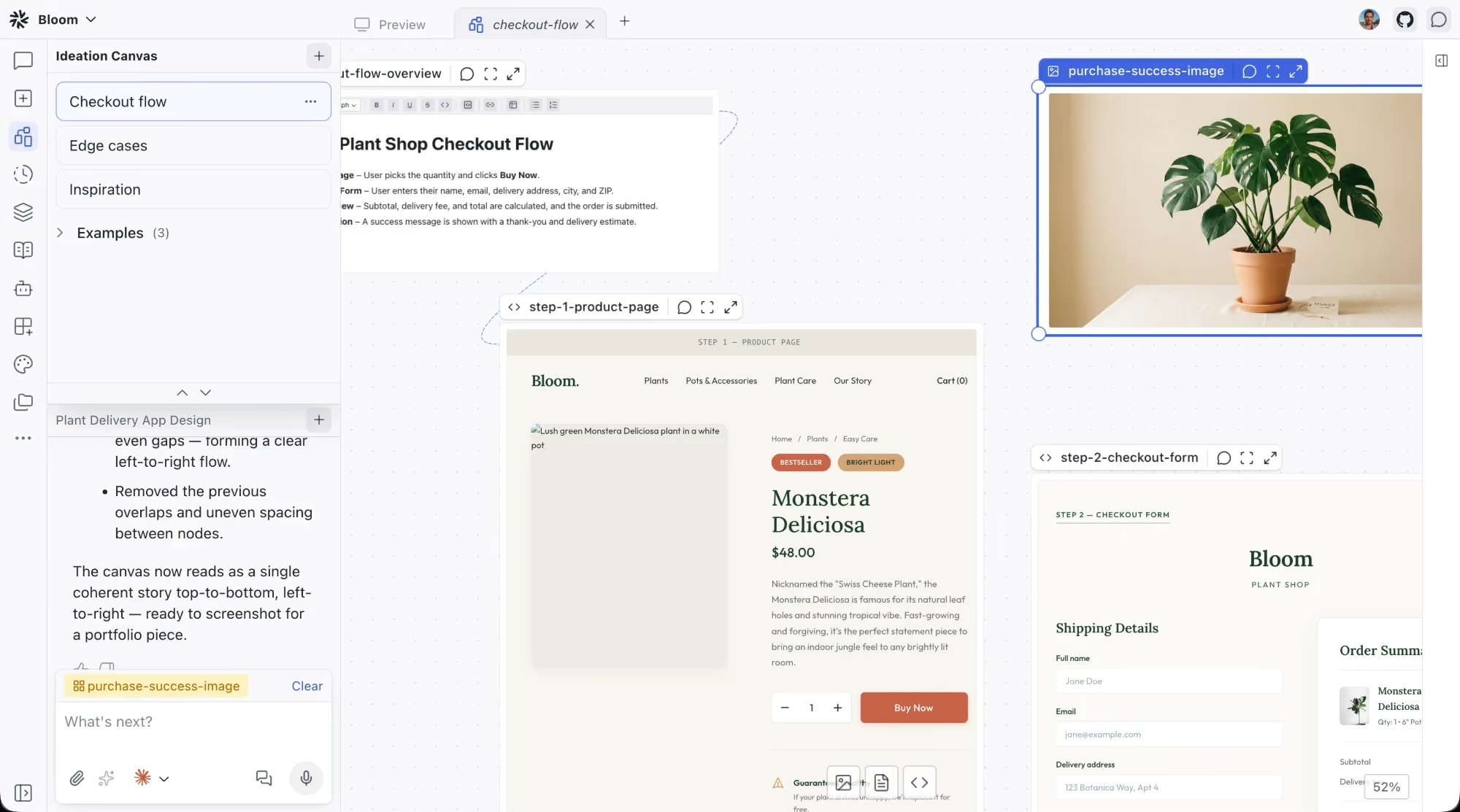
Building an app in a chat moves in one line. To explore, people (me included) left for Figma. Canvas keeps that step in Dazl: bring in the current app, generate images and HTML, paste inspiration, and connect it all before committing to anything.
Starting a canvas
A new canvas opens on a choice of node types, not a blank board. After the first node, the same types sit in a bar at the bottom, and right-click adds one where you clicked.
Start by adding a node to the canvas.
Picking an idea
A selected node goes into the chat as context. With ten hero ideas on the board, you pick one and ask the chat to build it.
What a canvas can hold
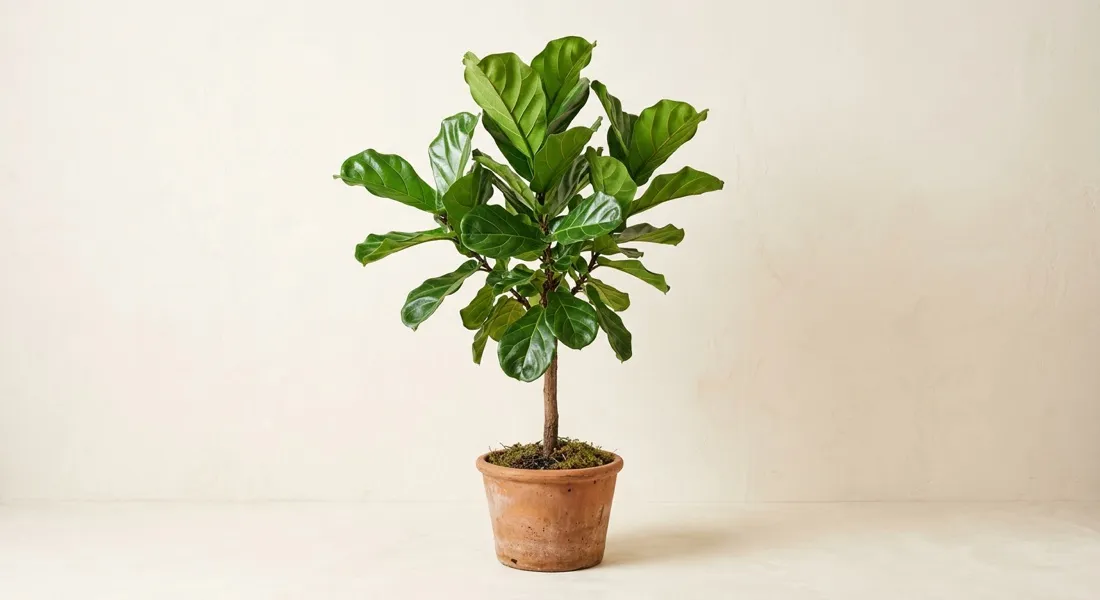
A flow with alternatives for a step, the current app laid out as a site tree, image generations where each result feeds the next, or research turned into design directions.
 Pasted



Nodes and zoom
I also designed the parts every canvas uses.
Nodes
Each node carries its name and actions on top: comment, fit to screen, fullscreen. Double-click the name to rename it. A selected node’s details open in a panel on the right.
Zoom
The zoom menu in the corner goes to 100%, fits the whole canvas, or fits the selection.